Walmart Dropshipping, Connected to Your Suppliers

Bring your Walmart Marketplace store into DSers to manage supplier orders, inventory updates, and tracking in one place. Spend less time moving order details between systems and more time managing your Walmart business.

A home goods seller preparing products and supplier shipments for a Walmart business.

Your Walmart Store, Suppliers, and DSers—Working Together

Walmart Marketplace gives you a sales channel for reaching shoppers across everyday product categories. DSers connects that storefront to the suppliers behind your catalog, bringing the work after each sale into your dropshipping operations.

Each plays a distinct role: customers buy through Walmart, you coordinate supplier orders in DSers, and your suppliers prepare and ship the products. The integration supports selling on Walmart Marketplace, rather than buying products from Walmart's retail catalog to resell elsewhere.

From a Walmart Sale to a Supplier Shipment

When a customer places an order on Walmart, DSers brings it into your workspace. Your product mappings link the purchased items and variants to their supplier counterparts.

You review the order, arrange supplier order placement through the supported workflow, and complete payment. Once the supplier ships and tracking information becomes available, DSers syncs the tracking number back to Walmart.

What You Can Manage with the Walmart Integration

Keep Listings Aligned with Supplier Stock

A listing can remain available even after its supplier runs out of stock. DSers supports automatic inventory updates for mapped products, reducing the need to adjust stock manually. To use automatic inventory updates, map the relevant products and configure the inventory settings. Updates help reduce overselling risk, but availability can still change between checks.


Hands checking a canister against matching products on a stock shelf.

Process Walmart Orders in Your DSers Workspace

Work with incoming Walmart orders where you already manage supplier fulfillment. DSers uses your product mappings to associate ordered items with their suppliers, so you can review the information needed for processing without reconstructing those relationships for every sale. The benefit is a consistent place to manage the order, from the customer's selection to the items you need to purchase.

Separate customer parcels organized together on one worktable.

Sync Tracking Number

Shipping updates shouldn't require another round of data entry. DSers retrieves available supplier tracking numbers and syncs them to your Walmart store, keeping the shipment linked to its customer order. When suppliers ship at different times, each available tracking number can sync to its Walmart order instead of becoming another copy-and-paste task.

A parcel beside a phone showing a simple shipment route.

Organize a Catalog Across Multiple Suppliers

A broader assortment can mean different suppliers for different products, colors, or sizes. Product mappings record those relationships at the product and variant level. That gives you a way to organize which supplier provides each item before orders arrive, instead of keeping those relationships only in notes or spreadsheets.

Ceramics, linen, and a wooden tray arranged as separate product groups.

Manage Walmart Alongside Your Other Stores

Adding a sales channel shouldn't force you to start a separate daily routine for every store. DSers supports multiple connected stores in one account, with store filters for products and orders. View a Walmart store's work on its own, or manage it alongside your other connected stores. Store filters help you focus on one storefront without losing sight of the others.

Two storefronts connected to a single laptop workspace.

See What Changes in Your Daily Work

For merchants currently transferring information by hand, the integration changes three recurring tasks:

TaskWith manual handlingWith DSers
Preparing ordersTransfer customer order details between systemsBring Walmart orders into the processing workspace
Updating stockCheck supplier availability and edit store quantitiesUse automatic updates for eligible mapped products
Shipping trackingEnter each supplier tracking number in WalmartSync available tracking numbers to the store
Get Started with DSers

Connect Your Walmart Store to DSers

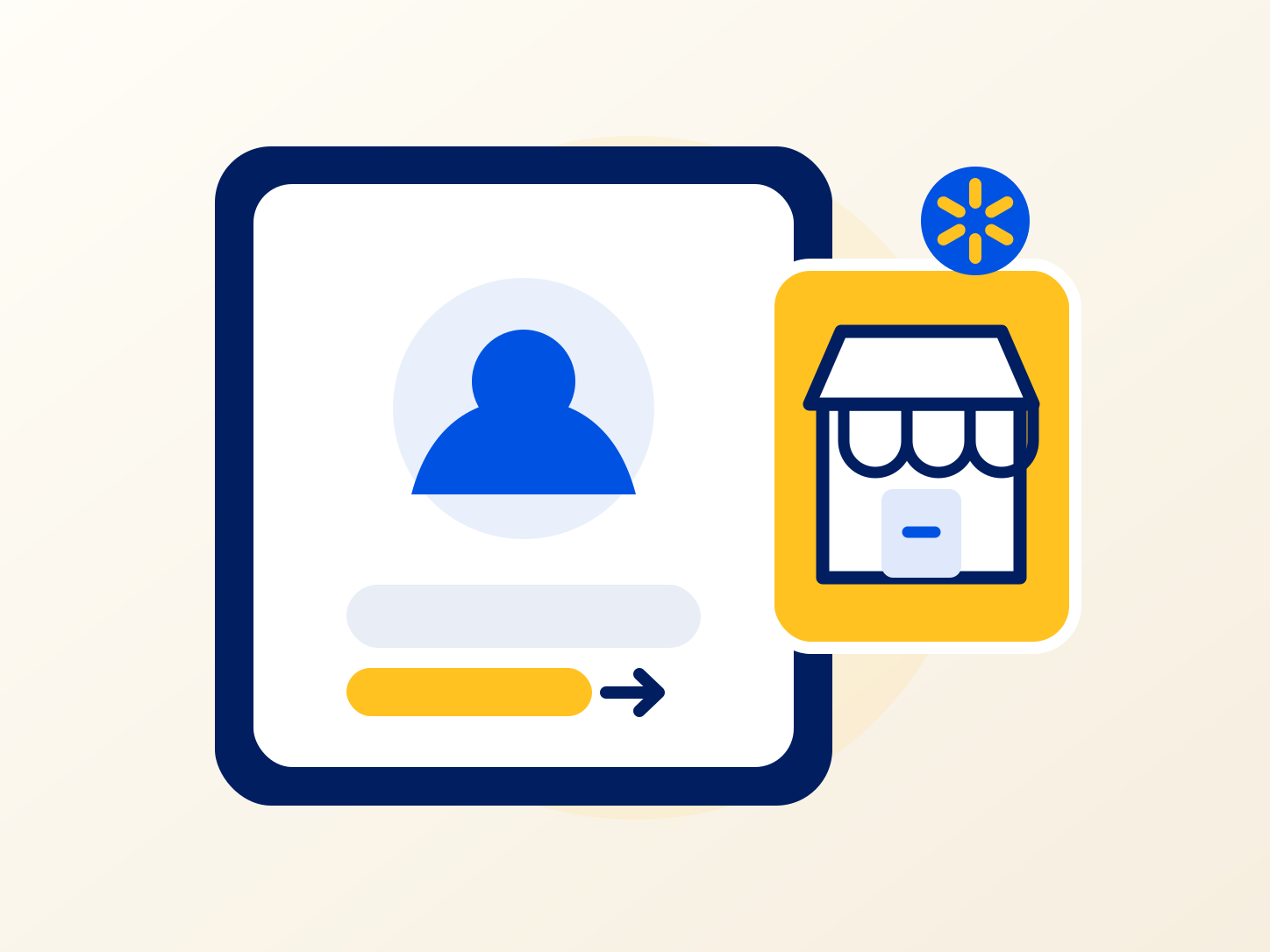
Illustration of signing in to a DSers account with a Walmart seller store ready to connect.

Sign in to DSers

Sign in to the DSers account where you want to manage your Walmart store. Have your Walmart Marketplace seller account ready.

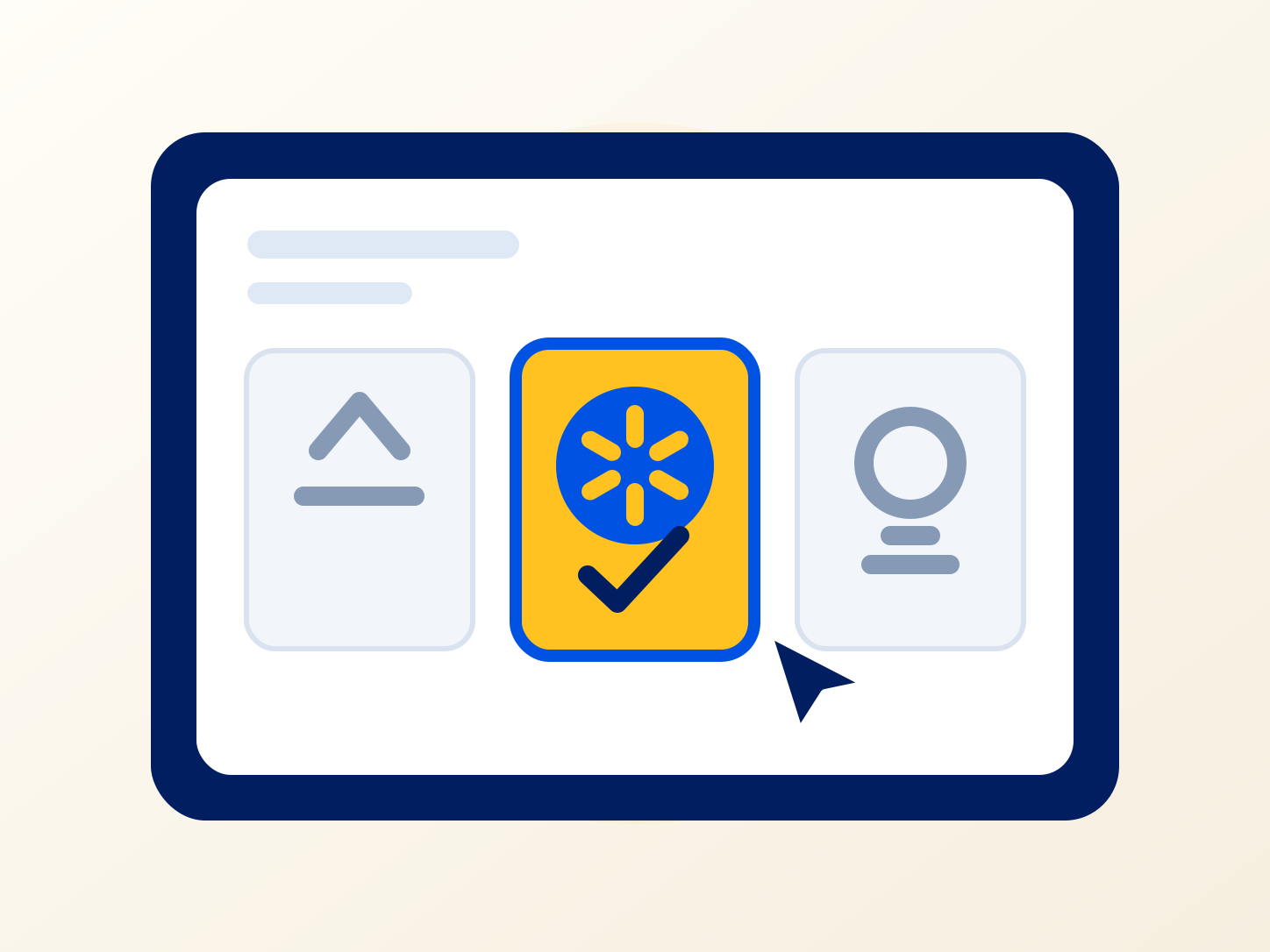
Illustration of selecting Walmart from available sales channels.

Select Walmart

Choose Link to More Stores in DSers, then select Walmart from the supported sales channels.

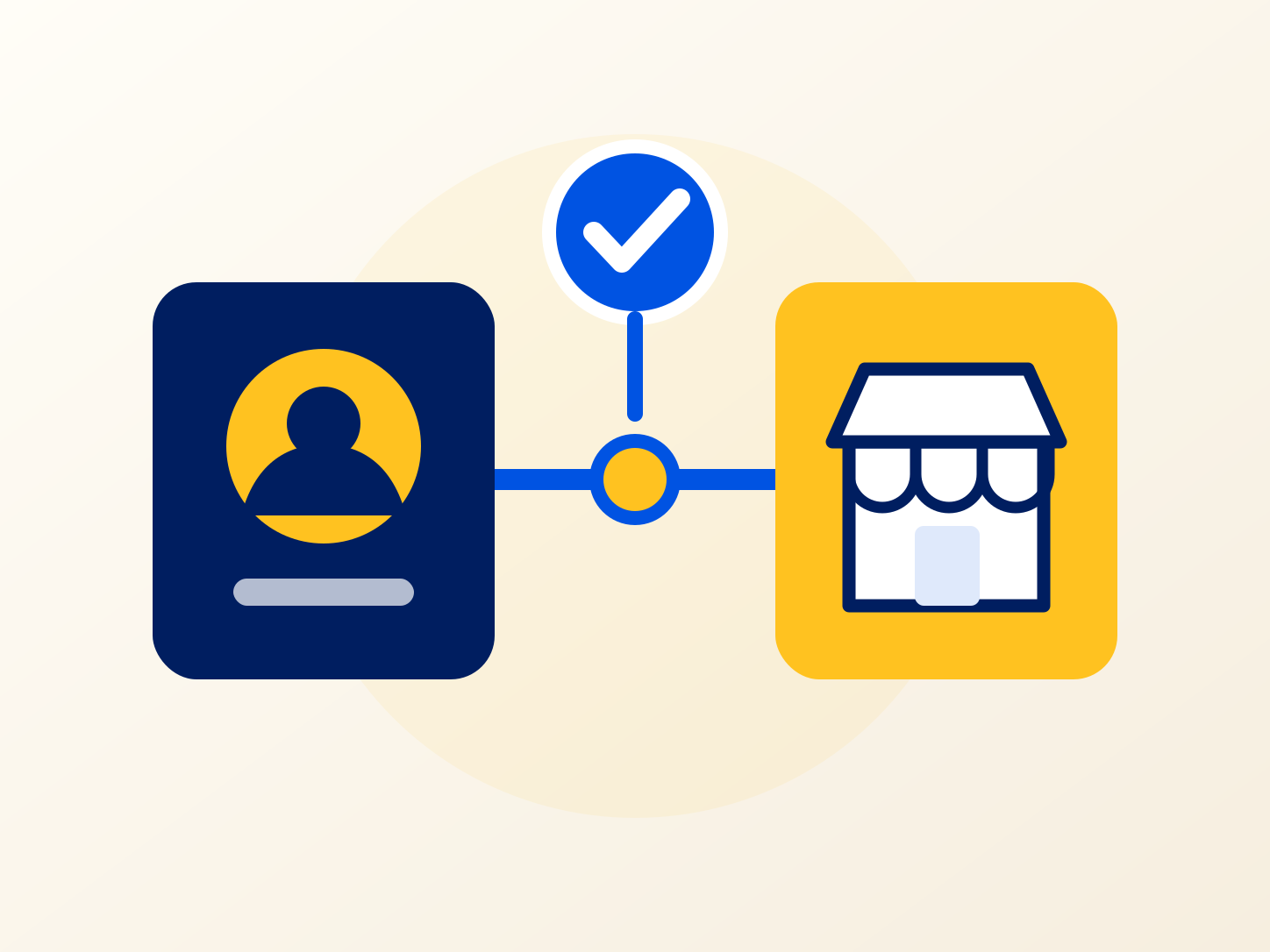
Illustration of completing and confirming a Walmart store connection.

Complete the Connection

Follow the on-screen prompts for your Walmart seller account. Then check that the store appears among your connected sales channels in DSers.

Read the store connection guide

Bring Your Walmart Business into DSers

Connect your store and give its orders a place in the same workspace as your suppliers and shipment updates. Build a daily routine you can use across your connected stores.

Walmart Dropshipping FAQ

What does the DSers Walmart integration connect?

It connects your Walmart Marketplace store to DSers for supplier mapping, order processing, inventory updates, and tracking sync. Suppliers fulfill the orders; Walmart remains the channel where customers buy.

What do I need before connecting Walmart?

You need a DSers account and a Walmart Marketplace seller account. Walmart handles seller approval. Your business and fulfillment arrangements must meet Walmart's requirements, including shipping, returns, and customer service.

Does a customer's Walmart payment also pay my supplier?

No. Receiving payment for a Walmart sale and paying for the supplier order are separate transactions. Complete the supplier payment required by your fulfillment workflow so the order can proceed.

Can I connect more than one Walmart store?

Yes. DSers supports multiple Walmart stores in one account. Use store filters to view each store's products and orders separately, or work across your connected stores.

Does connecting Walmart automatically turn on inventory updates?

No. Connect your store first, then map the relevant products and configure inventory settings to use automatic updates. Check supplier availability when fulfilling orders, since stock can change between updates.

How is DSers different from Walmart Fulfillment Services?

DSers coordinates information between your store and suppliers. Walmart Fulfillment Services stores inventory and handles picking, packing, and shipping. Connecting Walmart to DSers does not enroll your business in WFS.